Click to download now, finish the installation quickly, and directly unlock the all-round experience
Screenshots
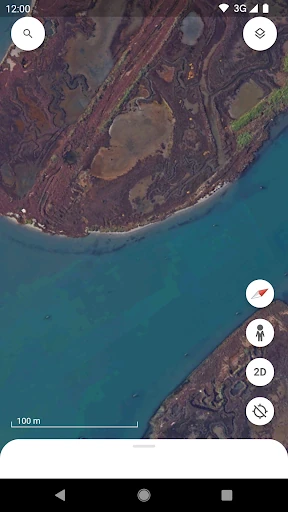
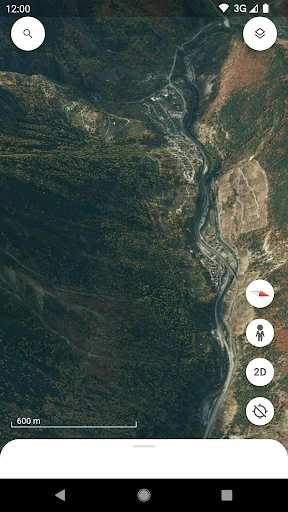
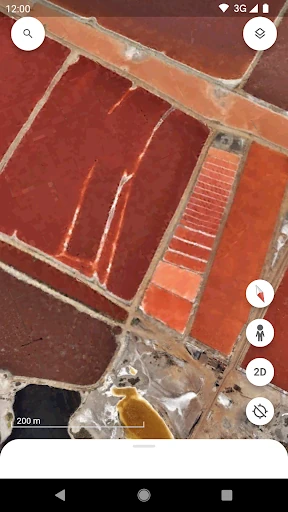
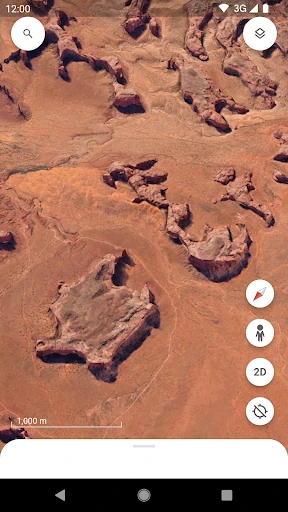
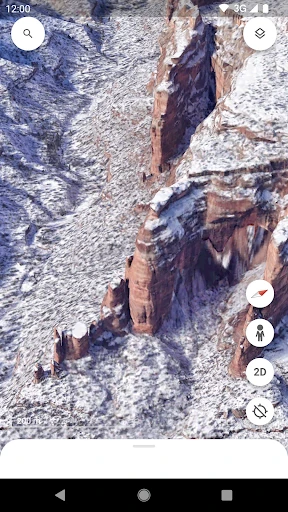
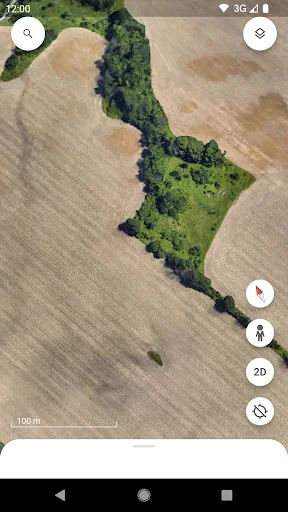
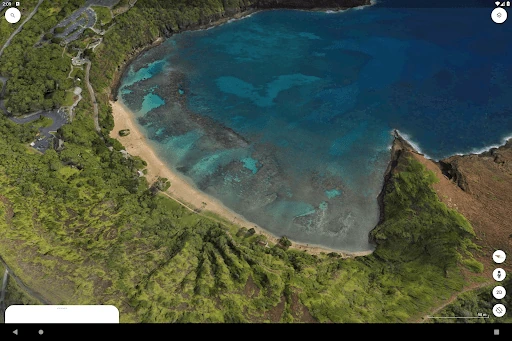
Click to download now, finish the installation quickly, and directly unlock the all-round experience
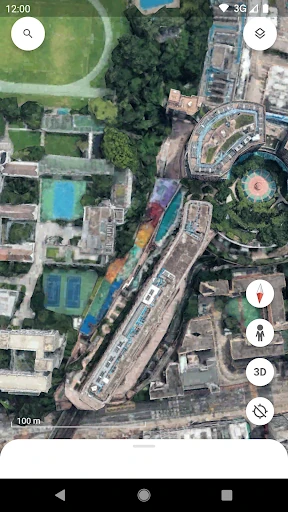
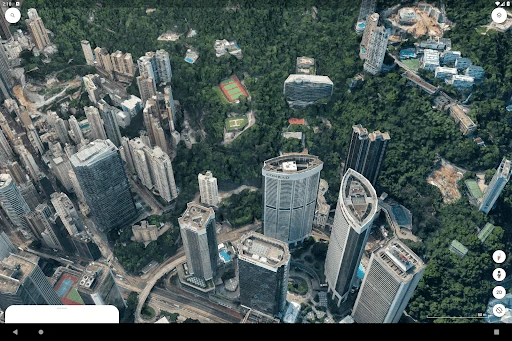
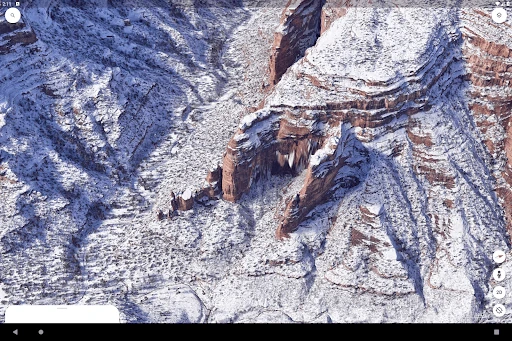
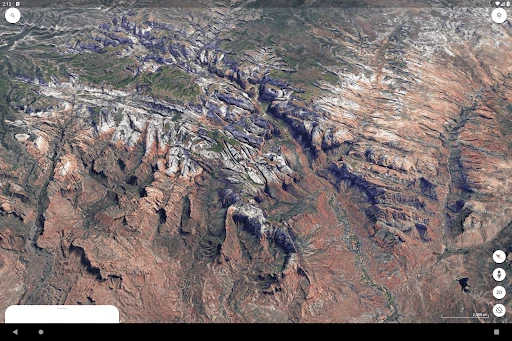
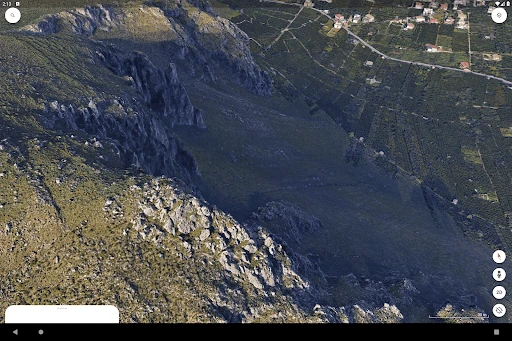
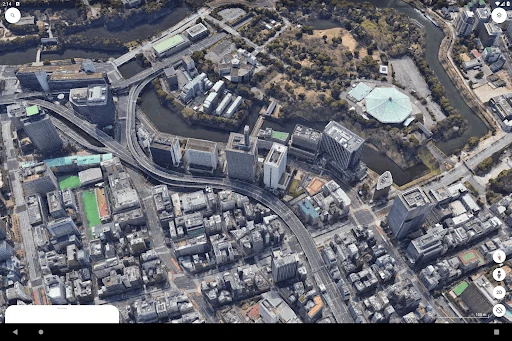
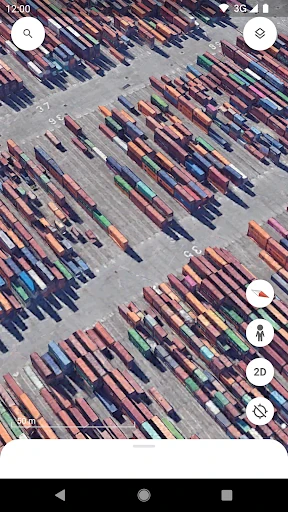
Google Earth is a visual exploration app for viewing satellite imagery, terrain, cities, landmarks, and remote places around the world. It suits travellers planning a visit, students studying geography, and anyone who wants more context than a standard map can provide. You can move from a worldwide view to a neighbourhood, rotate the globe, tilt the scene, and inspect locations from different angles.
The app works well when a place is easier to understand visually. Travellers can preview a destination and its surroundings, while teachers and students can use imagery to examine landscapes, cities, and physical geography. It can also help with simple location research when a flat map does not show enough about scale, height, or terrain.
Google Earth has a visual-first interface built around familiar touch gestures, though detailed 3D scenes may demand more from a phone and its data connection. On smaller screens, advanced map and storytelling tools can feel less spacious than they do on a desktop. The app is published by Google LLC and has more than 500 million installs. Its rating is about 3.8 out of 5 from roughly 2.97 million reviews, giving a broad indication of how it performs across a very large user base.