Click to download now, finish the installation quickly, and directly unlock the all-round experience
Screenshots
Click to download now, finish the installation quickly, and directly unlock the all-round experience
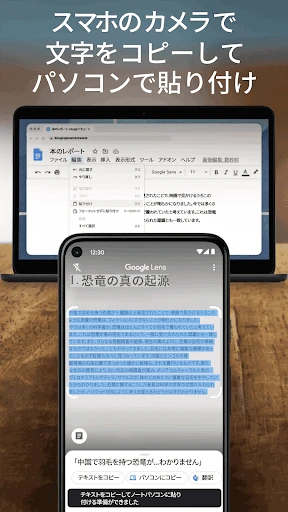
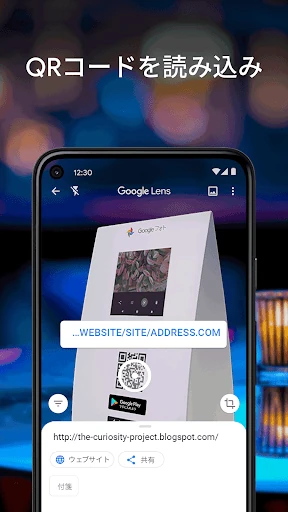
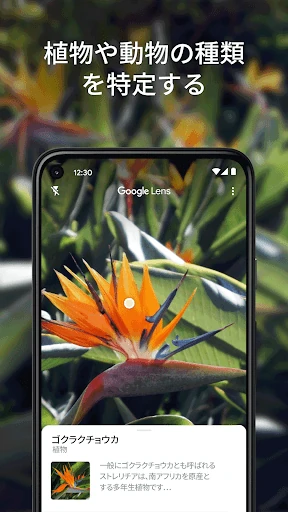
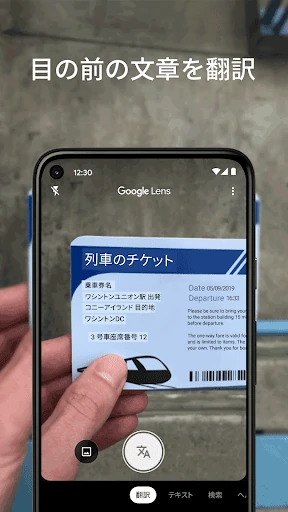
Google Lens turns your phone’s camera into a visual search and recognition tool. Point it at printed text, a sign, product, plant, animal, landmark, or restaurant menu to get useful information without typing a separate search. It suits anyone who regularly needs to identify unfamiliar things, copy text from paper, translate signs, or search for an item seen in the real world.
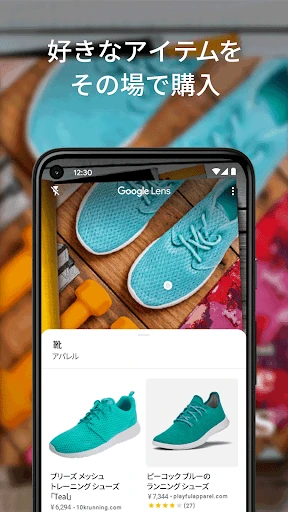
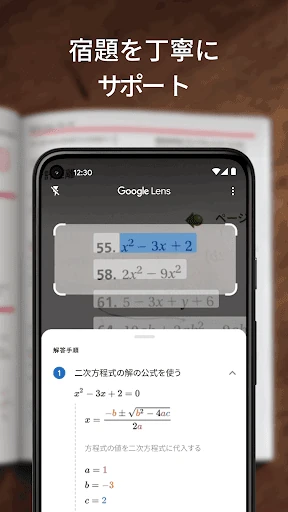
Lens is most useful when the camera can provide more context than a typed query. Students can capture notes or research unfamiliar subjects, travellers can translate signs, and shoppers can use a photo as the starting point for product searches. It is also a practical option for people who want quick answers while moving through a shop, street, museum, or restaurant.
Developed by Google LLC, Google Lens is listed in the Tools category and has reached 1,000,000,000+ installs. Its rating is 4.73 from more than 2.78 million reviews, placing it among the more widely used visual search utilities on Android. The app is a good fit if you want camera-based recognition and text handling in one familiar Google tool.