
Click to download now, finish the installation quickly, and directly unlock the all-round experience
Screenshots
Click to download now, finish the installation quickly, and directly unlock the all-round experience
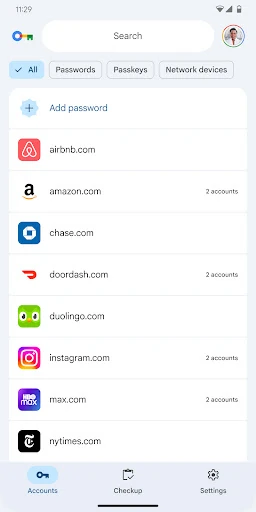
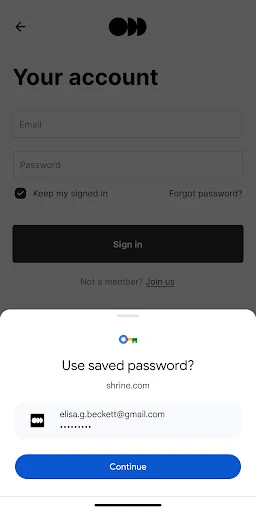
Google Password Manager is a built-in credential manager for Android users who save passwords and passkeys through Google services. It keeps sign-in details in one place and helps fill them when you return to a supported website or app. That makes it a practical fit for people who use Android and Chrome regularly, especially those who want less manual password entry without maintaining a separate password database.
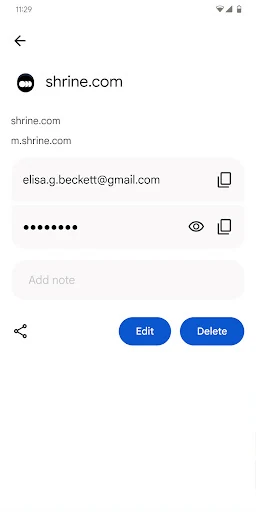
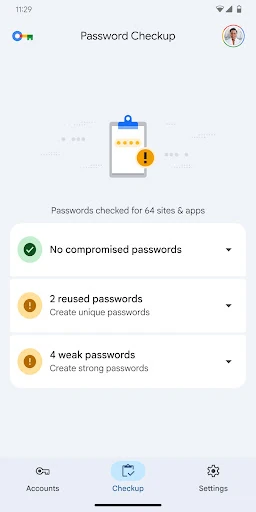
This is most useful for users already relying on Google’s Android and Chrome ecosystem. It reduces the need to remember every login and offers a straightforward place to review stored credentials. People looking for extensive password-library organisation, custom folders, or specialist sharing controls may find its scope more limited than a dedicated password manager.
Google Password Manager is published by Google LLC in the Tools category. It holds a 4.33/5 rating from 6,595 reviews. The listing shows 1+ installs, so that figure should be read as the current catalogue count rather than a measure of its wider Android distribution.