Click to download now, finish the installation quickly, and directly unlock the all-round experience
Screenshots
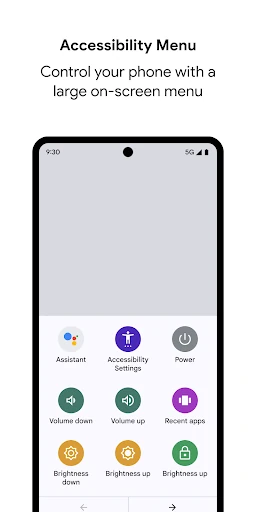
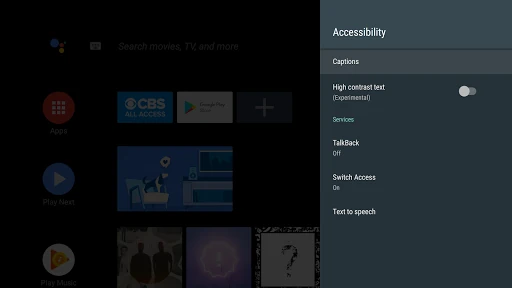
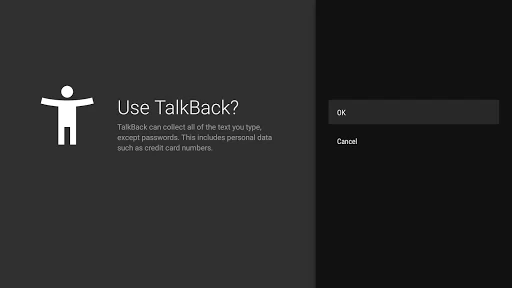
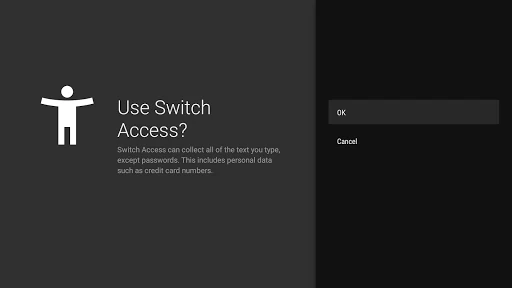
Click to download now, finish the installation quickly, and directly unlock the all-round experience
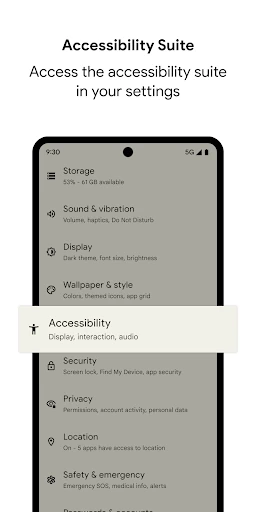
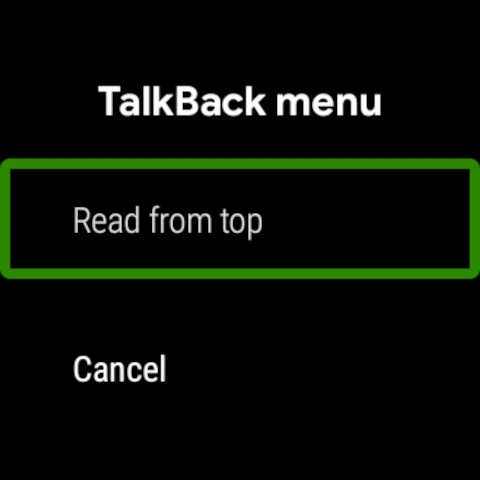
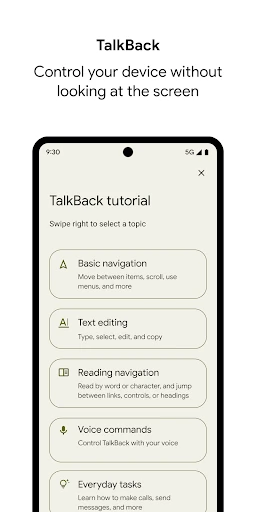
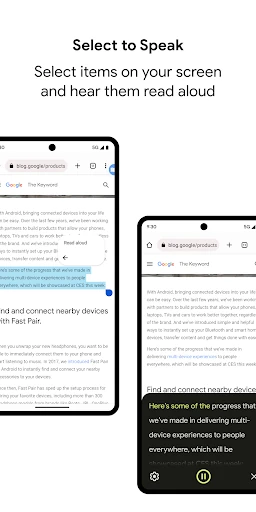
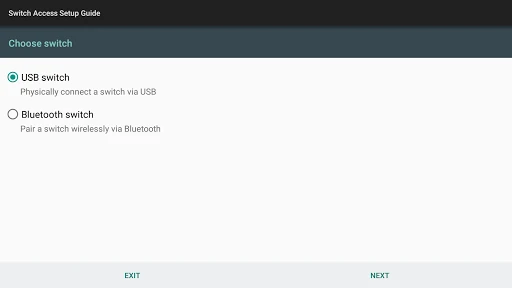
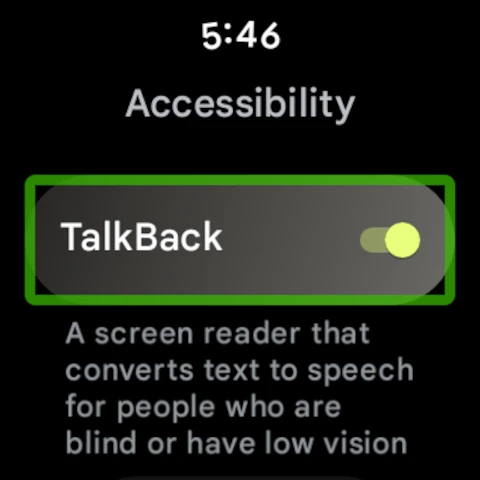
Android Accessibility Suite brings several assistive features together for people who are blind, have low vision, or need simpler ways to control a phone. It is developed by Google LLC and is designed to work closely with Android’s system interface rather than acting as a separate standalone utility.
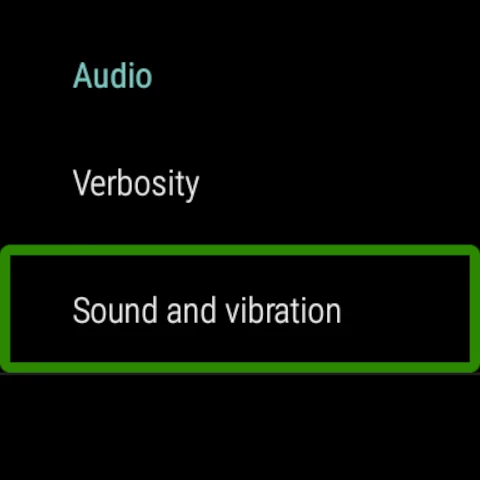
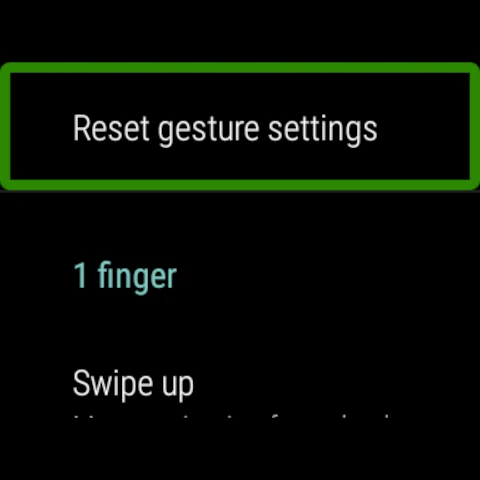
The suite is most useful for Android users with visual or motor impairments, but it can also help anyone who finds small controls, dense text, or touch gestures difficult. TalkBack takes time to learn because it changes how standard touch navigation works. Once configured, its spoken feedback and gesture controls can make everyday phone use more predictable.
With a rating of 4.03 from more than 4.2 million reviews and 10 billion-plus installs, Android Accessibility Suite is one of the most widely used accessibility tools on Android. Its value comes from system-level access and practical controls rather than visual presentation, making it a relevant choice for users who need dependable assistance built around the device they already use.