Click to download now, finish the installation quickly, and directly unlock the all-round experience
Screenshots
Click to download now, finish the installation quickly, and directly unlock the all-round experience
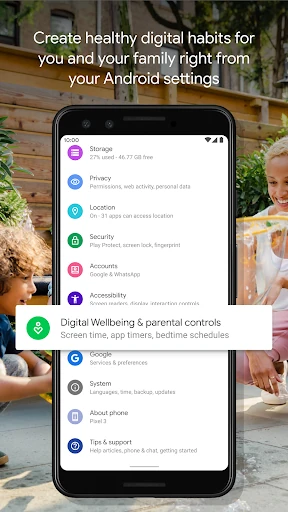
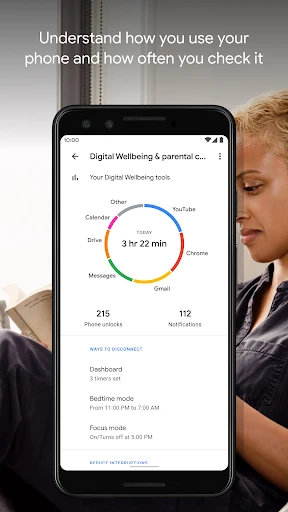
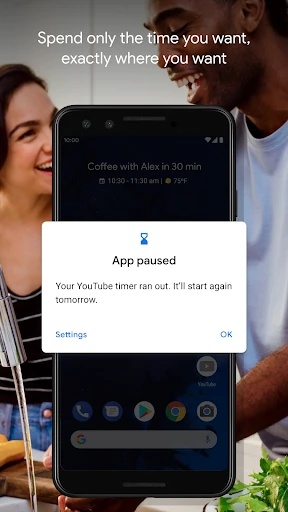
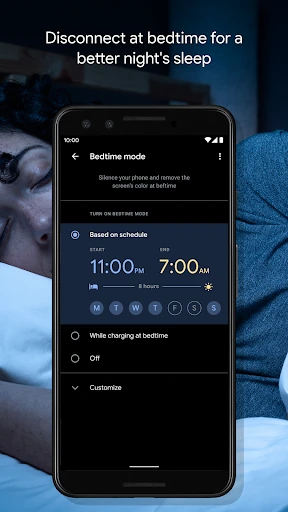
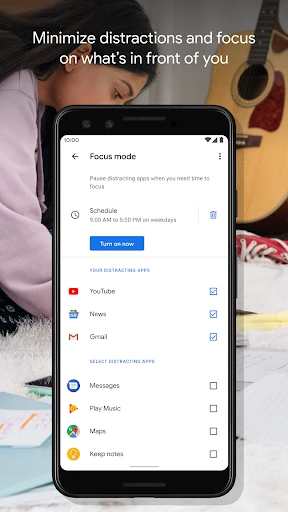
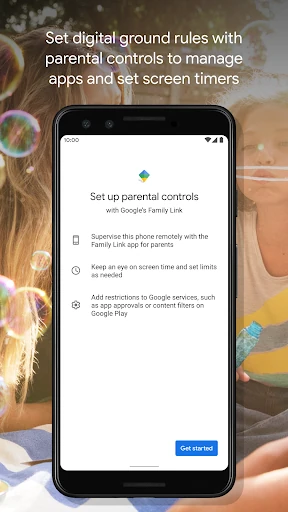
Digital Wellbeing helps Android users understand and manage how they use their phones. Its dashboard shows time spent in apps, notification activity and device unlocks, giving you a clearer view of daily habits. It suits anyone trying to reduce distractions, set boundaries around particular apps or create a calmer evening routine.
The app is designed as part of the Android system rather than as a separate productivity service. Its charts and controls are straightforward, making usage information easy to check without adding another complex layer to your phone. App limits are adjustable, so they work best as reminders and boundaries rather than strict barriers.
Digital Wellbeing is developed by Google LLC and listed in the Tools category. It has a rating of 3.55 out of 5 from more than 1.36 million reviews, with 5 billion-plus installs. Those figures reflect its broad availability across Android devices, while the feature set makes it most useful for people who want practical visibility and control over everyday phone use.