Click to download now, finish the installation quickly, and directly unlock the all-round experience
Screenshots
Click to download now, finish the installation quickly, and directly unlock the all-round experience
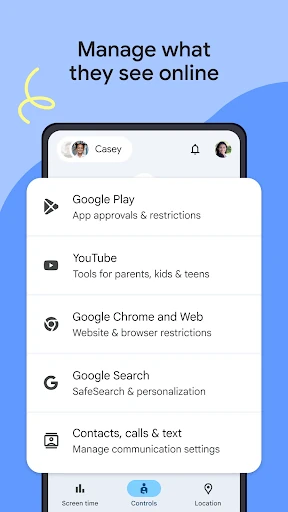
Google Family Link helps parents manage how children use compatible Android devices and selected Google services. It suits families that want practical limits around screen time, app access, online content, account settings and device location, without relying only on conversations or household rules.
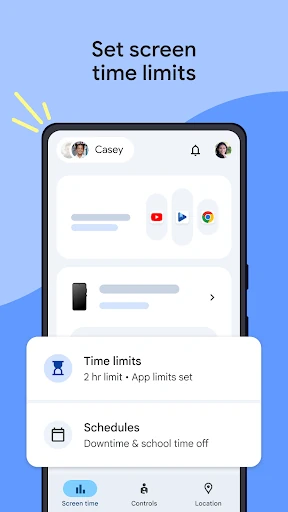
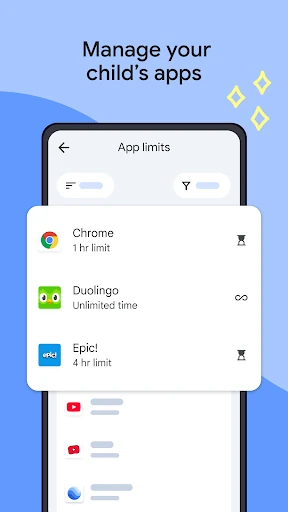
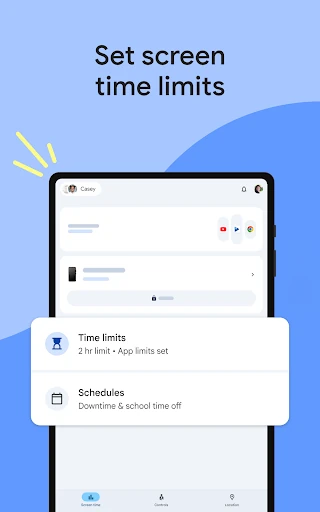
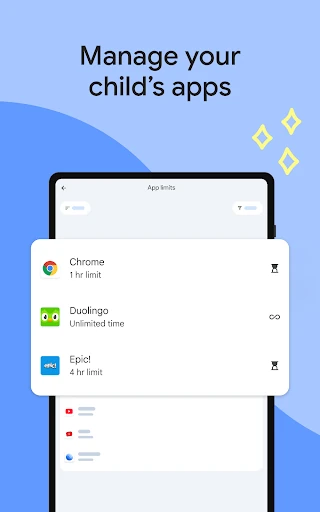
Parents can create daily screen-time limits and schedule periods such as school time or downtime. Family Link also supports limits for individual apps, blocking selected apps, and allowing unlimited use for apps that are needed regularly or for learning. These controls make it possible to set different rules for different parts of a child’s device use.
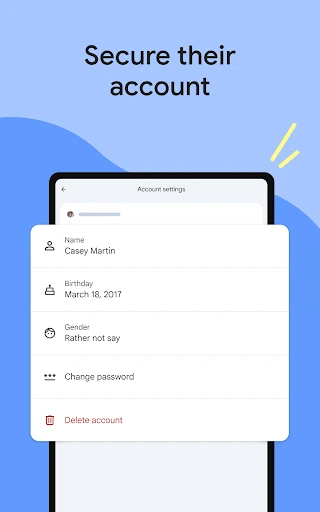
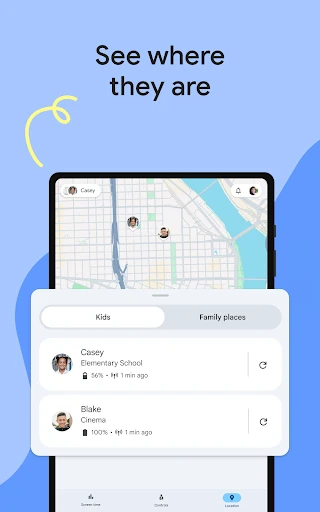
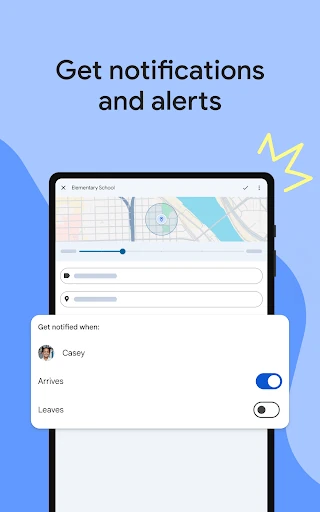
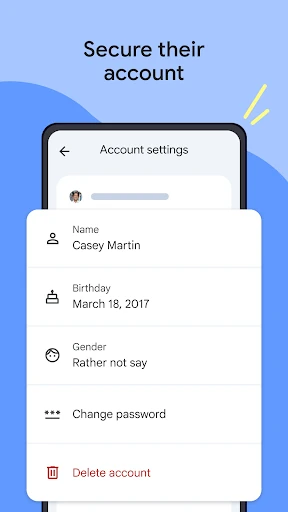
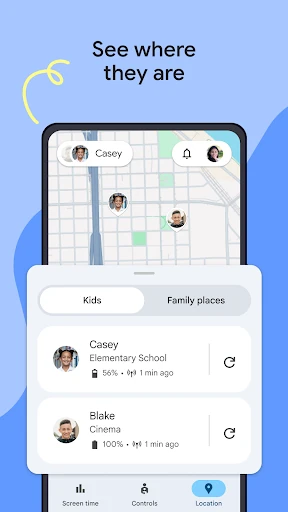
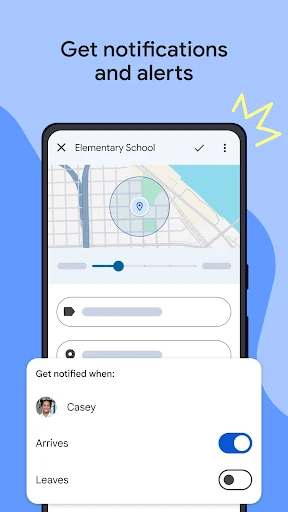
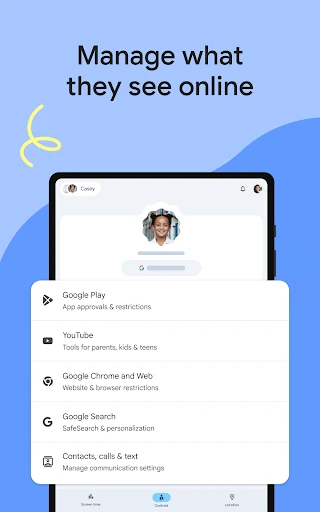
The app gives parents access to parts of a child’s Google account and data settings. Depending on the situation, a parent can help change or reset a password, edit personal information or delete the account. Family Link can also show a child’s device location when the device is being carried, display its remaining battery level and ring it. Location alerts can notify parents when a child arrives at or leaves a chosen place.
Available controls depend on the child’s device and the Google services involved, so compatibility matters. Family Link is published by Google LLC and has a 4.57 rating from more than 4.8 million reviews, with 100,000,000+ installs. It is best suited to parents who want a central set of supervision tools rather than a standalone time tracker.