Click to download now, finish the installation quickly, and directly unlock the all-round experience
Screenshots
Click to download now, finish the installation quickly, and directly unlock the all-round experience
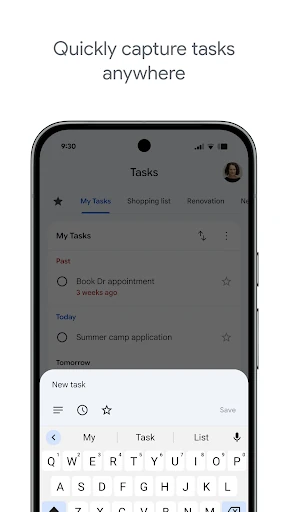
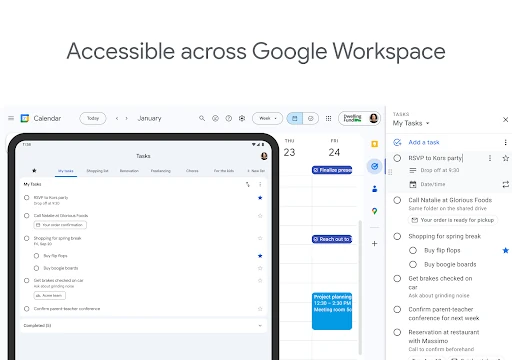
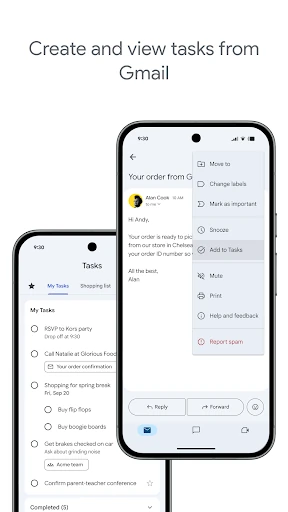
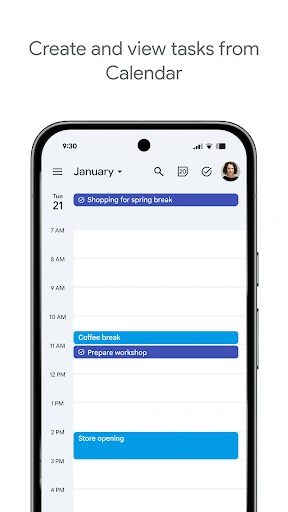
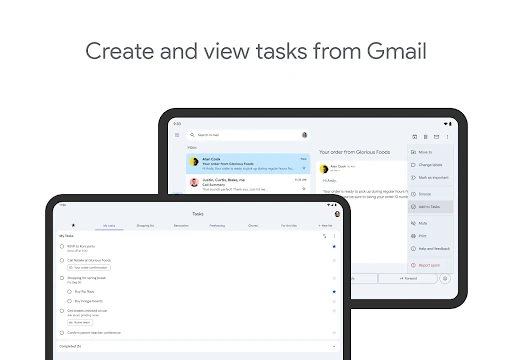
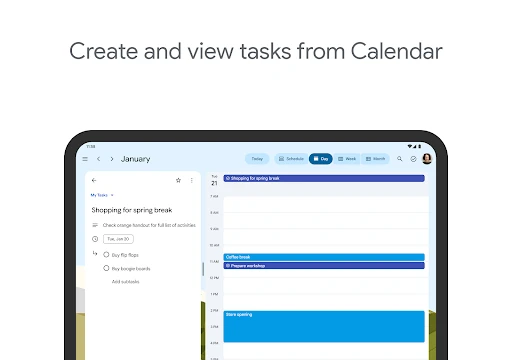
Google Tasks is a personal task manager for capturing things you need to do, organising them into lists, and marking them complete. It suits people who want a focused checklist rather than a full project-management system. The app is especially useful if your daily work already happens in Gmail and Google Calendar, where tasks can sit alongside messages and appointments.
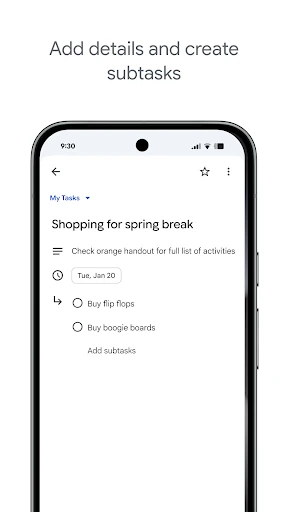
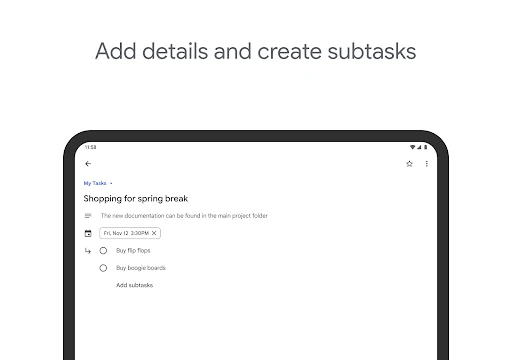
Tasks can be grouped into separate lists and divided into smaller subtasks. That makes the app practical for both quick reminders and multi-step jobs, without requiring a complicated setup. You can reorder items to bring immediate priorities to the top, while starred tasks provide another way to identify work that needs attention.
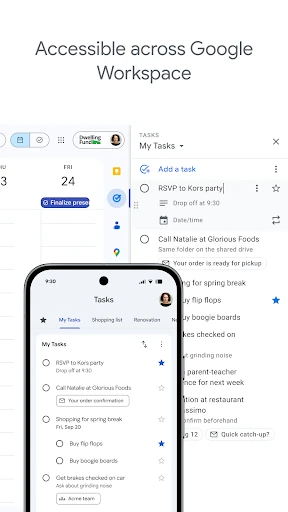
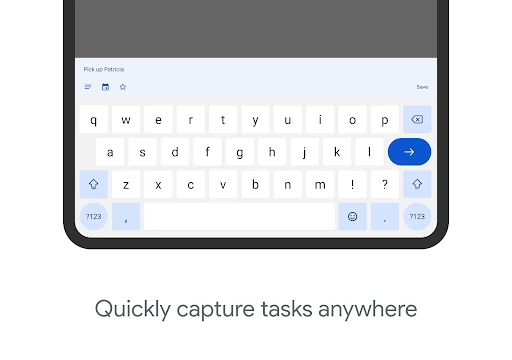
The interface keeps its attention on the task list. There are few distractions and little configuration to learn, which makes adding an item or checking off completed work quick. Tasks also stay available across Google’s mobile and web services, helping keep the same list in view whether you are working from a phone or desktop.
That simplicity has limits. Users looking for tags, folders, detailed filters, or extensive collaboration tools may find Google Tasks too basic. It is better suited to individual planning and everyday follow-up than to managing a large team or a complex project.
Google Tasks is developed by Google LLC and listed in Productivity. It holds a 4.60/5 rating from 549,898 reviews and has 10,000,000+ installs. Those figures reflect its broad appeal, but its main strength remains clear: a low-friction place to turn reminders, emails, and planned work into an actionable list.