Click to download now, finish the installation quickly, and directly unlock the all-round experience
Screenshots
Click to download now, finish the installation quickly, and directly unlock the all-round experience
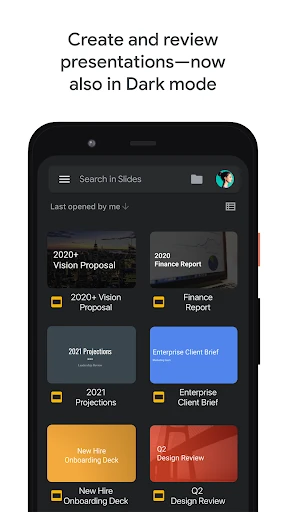
Google Slides is a presentation editor for creating, reviewing and delivering slide decks from an Android phone or tablet. It suits students, teachers, office teams and anyone who needs to work on presentations away from a desktop. The app is part of Google’s wider productivity tools, with a workflow built around cloud-saved files and access across devices.
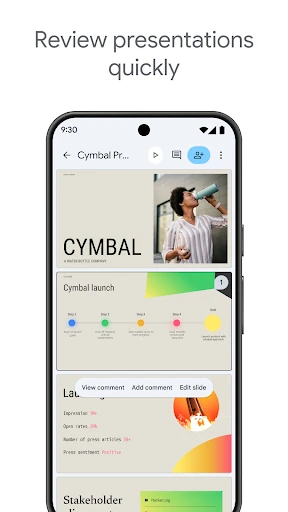
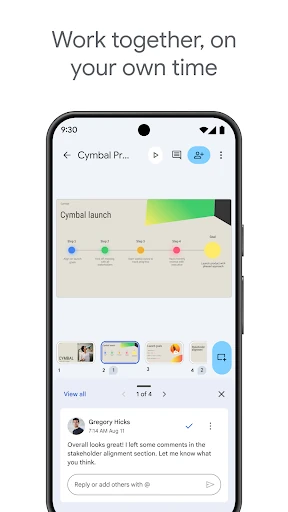
Slides can be edited by more than one person at the same time, making it practical for group assignments, team briefings and client presentations. Users can leave comments and respond to feedback within the presentation instead of passing around separate copies. Changes are synchronised as work continues, helping reduce confusion when several people are contributing.
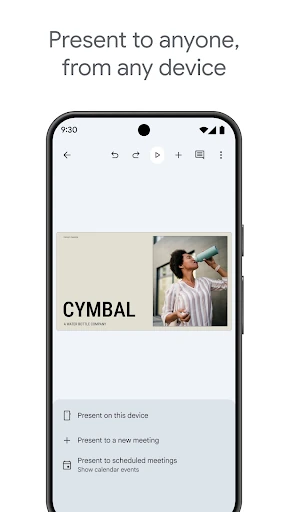
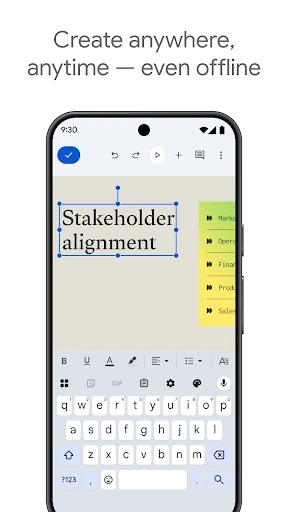
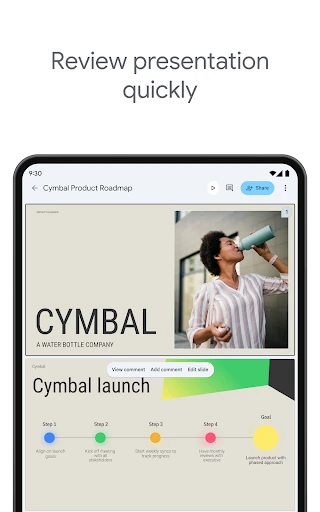
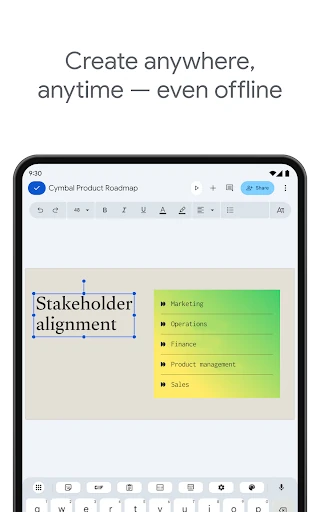
The app can open, edit and save Microsoft PowerPoint files, which is useful when a presentation starts outside Google’s tools or needs to be shared with people using different software. Presentations can also be worked on without an active connection, then synchronised when access returns. Layout suggestions help with arranging slide content, while presentation mode provides a direct way to move from editing to showing the finished deck.
The Android interface keeps the main editing area clear and adapts common formatting actions to touch controls. It is capable enough for everyday slide work, though complex formatting and some advanced presentation tasks may be easier on the web version. Google Slides is published by Google LLC and has a 4.04/5 rating from more than 640,000 reviews, with 1,000,000,000+ installs. That reach reflects its role as a practical choice for users already working with Google accounts and shared documents.