Click to download now, finish the installation quickly, and directly unlock the all-round experience
Screenshots
Click to download now, finish the installation quickly, and directly unlock the all-round experience
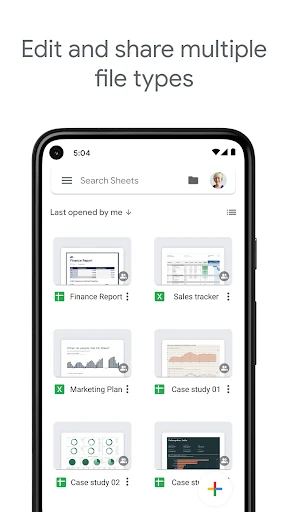
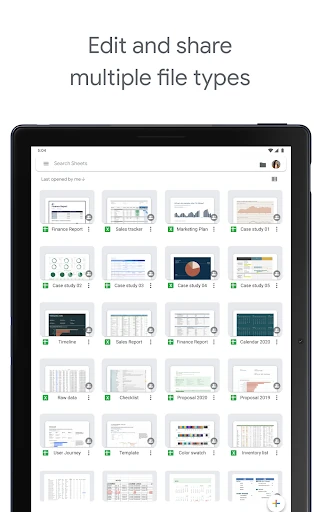
Google Sheets is a spreadsheet app for creating, editing, and sharing tables from an Android phone or tablet. It suits people managing budgets, schedules, lists, project data, and shared work documents, especially when the same file needs to be available across devices.
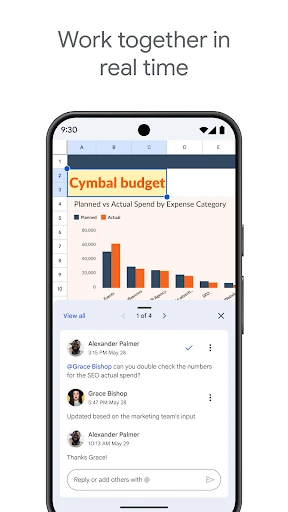
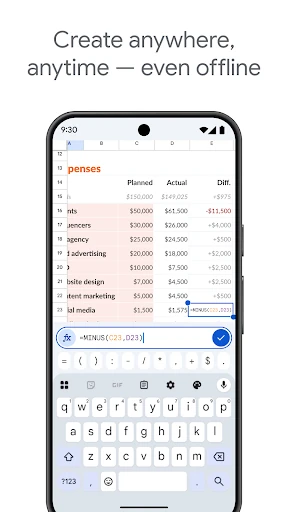
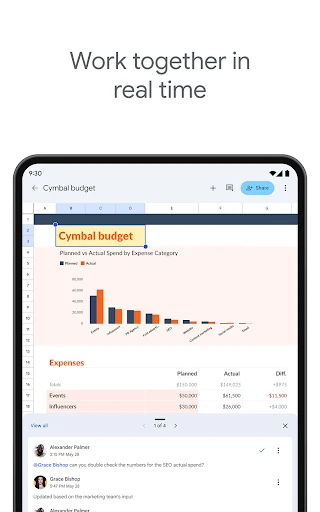
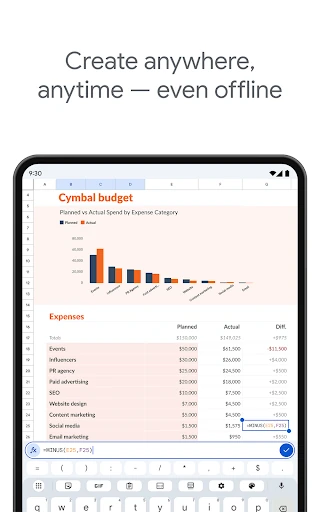
Sheets supports live collaboration, so several people can work in one spreadsheet rather than passing separate copies back and forth. Comments and sharing controls help keep feedback connected to the relevant cells. Files can also be edited without an internet connection and synchronised when access returns.
The mobile layout keeps common editing controls close at hand while leaving room to view the sheet. It works well for quick updates, checking figures, entering information, and making smaller changes away from a desktop. Large or heavily formatted workbooks can be less comfortable to navigate on a phone, but a tablet provides more space for rows, columns, and formulas.
Developed by Google LLC, Google Sheets is listed in Productivity and has a 4.45/5 rating from 1,338,569 reviews. With 1,000,000,000+ installs, it is a practical choice for users who need a widely supported spreadsheet that combines personal organisation with real-time teamwork.