Click to download now, finish the installation quickly, and directly unlock the all-round experience
Screenshots
Click to download now, finish the installation quickly, and directly unlock the all-round experience
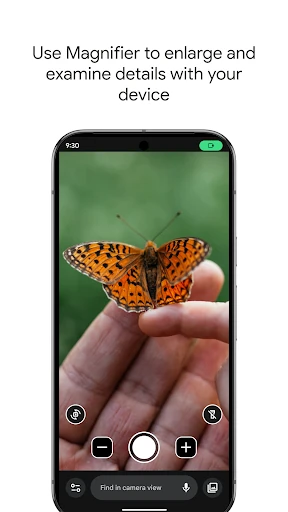
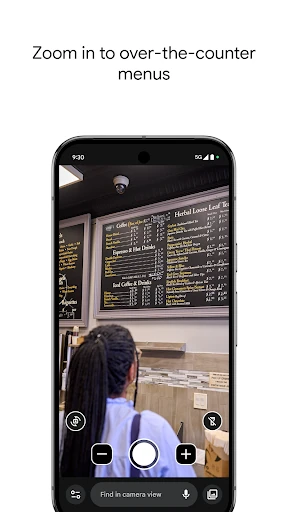
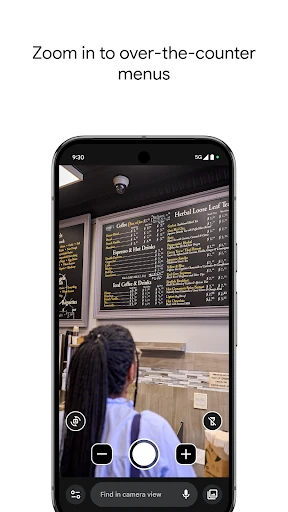
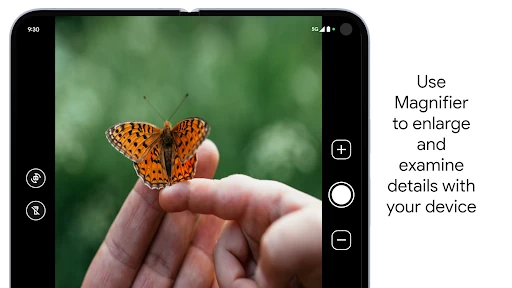
Magnifier turns a compatible Android phone into a practical viewing aid for small text, distant signs and other details that are difficult to see at normal size. It is aimed especially at people with low vision, but it can also help anyone reading menus, labels, schedules or fine print. The app is developed by Google LLC and is designed with Pixel phones in mind.
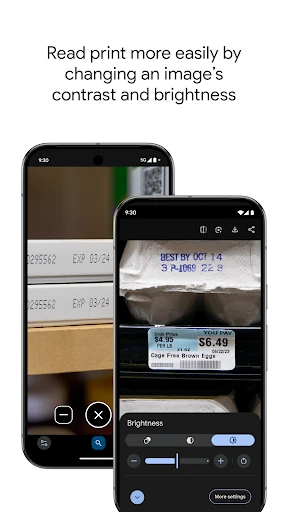
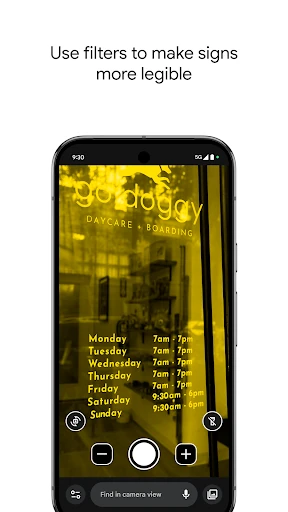
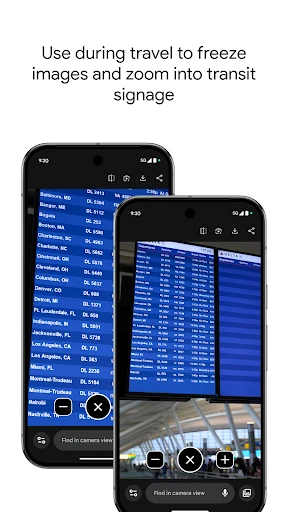
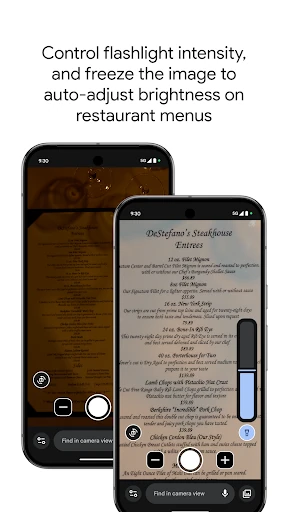
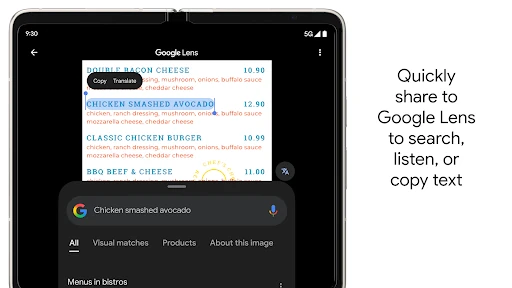
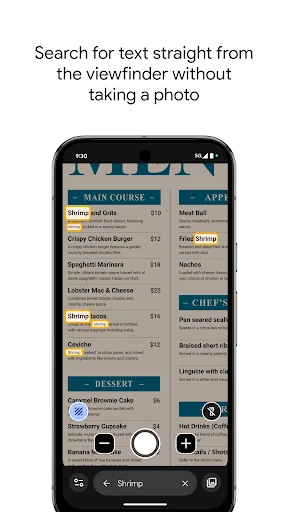
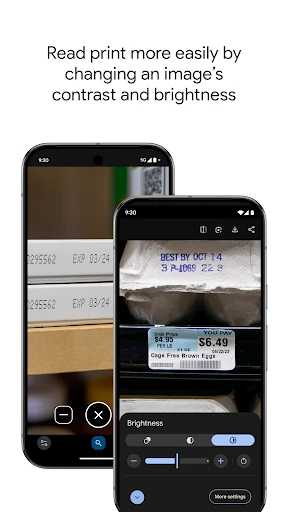
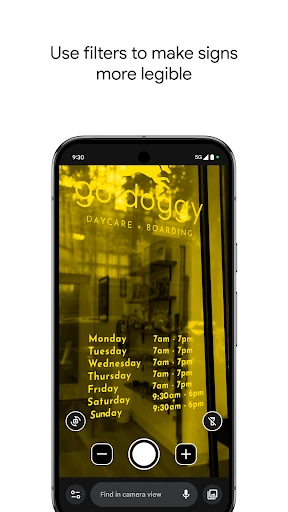
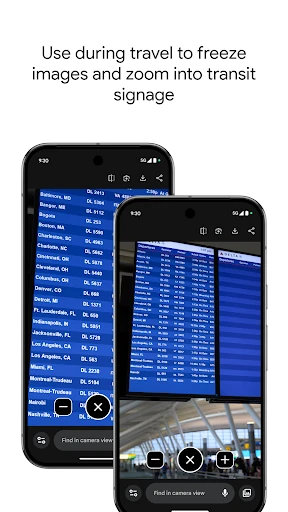
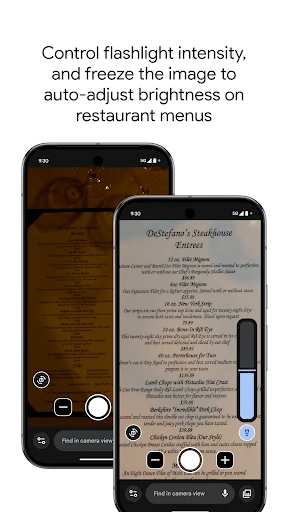
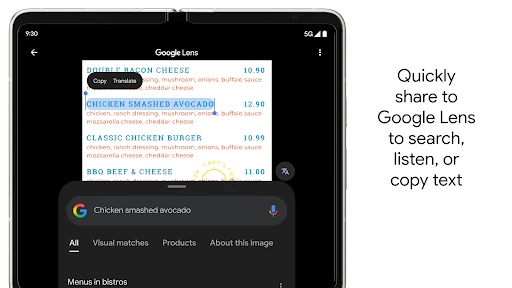
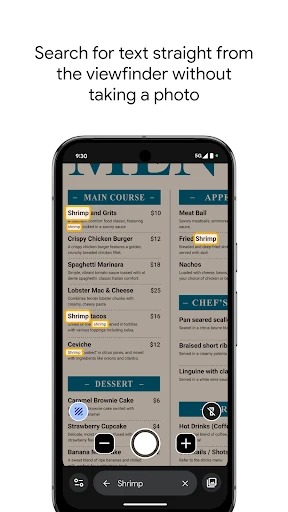
The live camera view can enlarge what is in front of you while keeping the controls focused on the task. Magnifier also includes tools that make information easier to pick out in challenging conditions:
The interface gives most of the screen to the magnified view, with controls that are easy to identify and use. That makes it suitable for short, unplanned tasks such as checking a product label or reading a notice. Its usefulness will depend on the phone’s camera hardware and Android support, so the experience is likely to be strongest on supported Pixel devices.
Magnifier holds a 4.29 rating from 1,185 reviews. The listing reports 1+ installs, which may reflect limited catalogue reporting rather than the app’s overall reach. For a focused utility, its value comes from quick access and practical readability tools rather than a broad set of camera features.