Click to download now, finish the installation quickly, and directly unlock the all-round experience
Screenshots



Click to download now, finish the installation quickly, and directly unlock the all-round experience
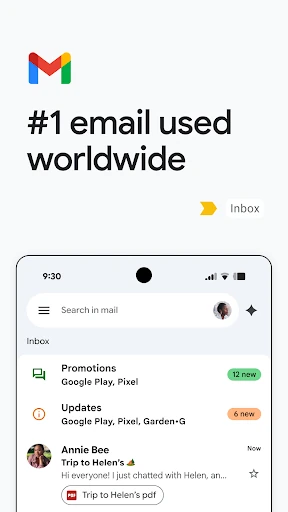
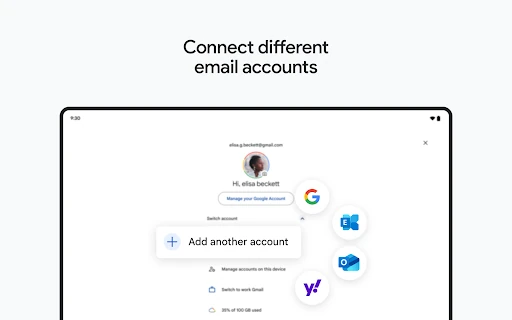
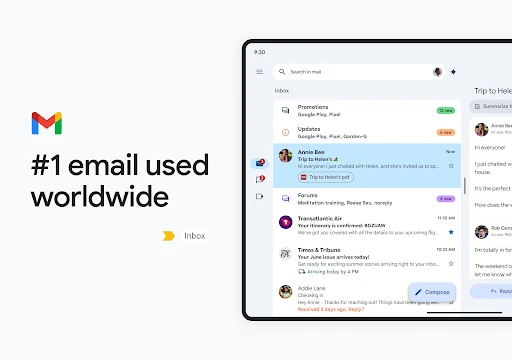
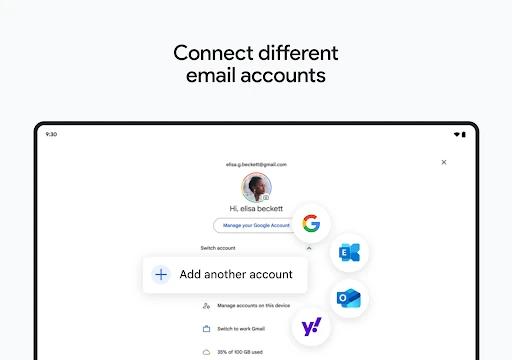
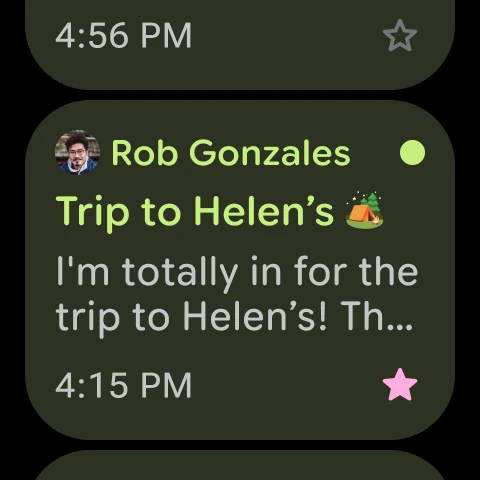
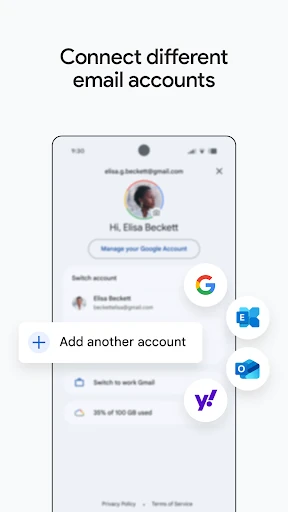
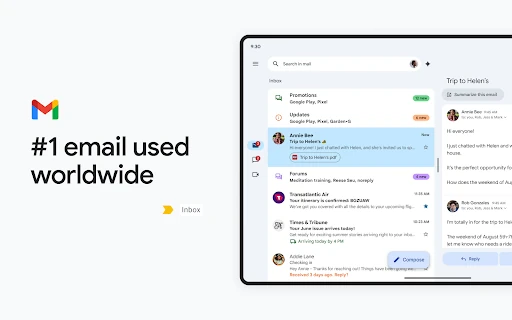
Gmail is Google’s email app for reading, writing, organising and searching messages on Android. It suits people who manage several inboxes, rely on Google services, or want a familiar way to handle email from a phone. The app supports multiple accounts, including addresses from providers beyond Gmail, so personal and work messages can be kept in one place.
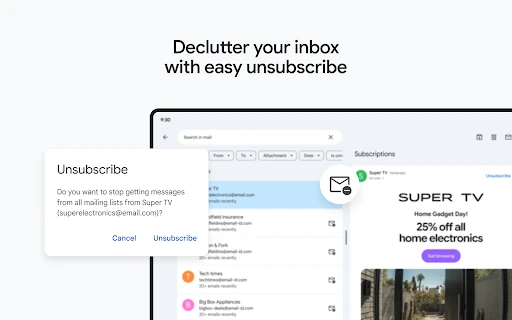
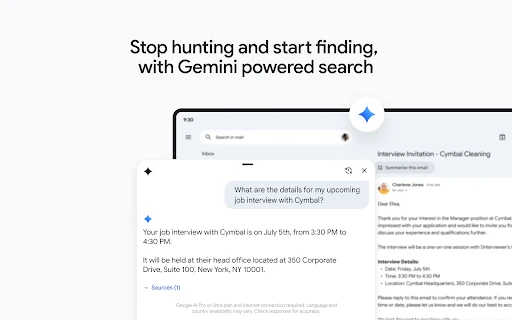
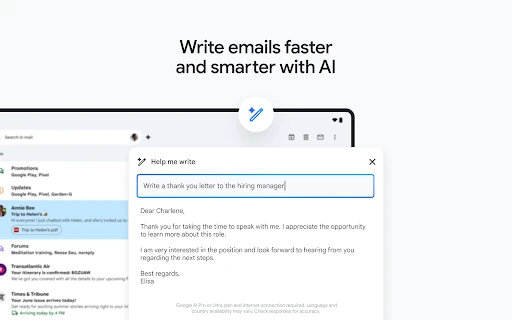
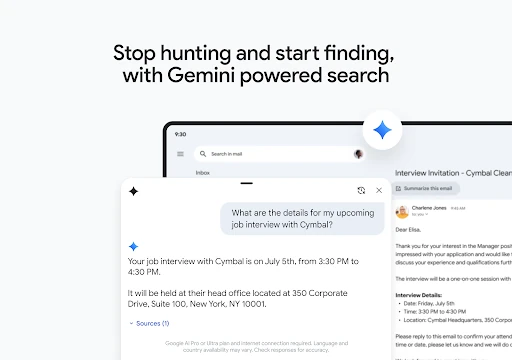
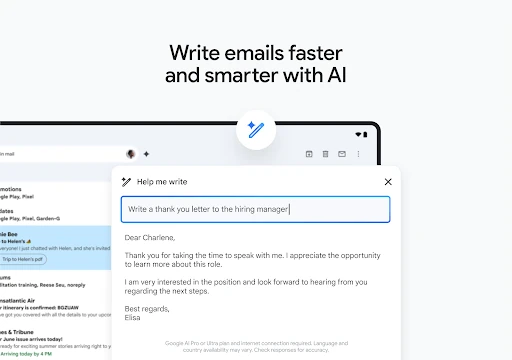
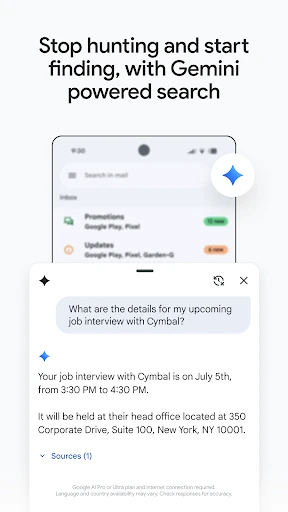
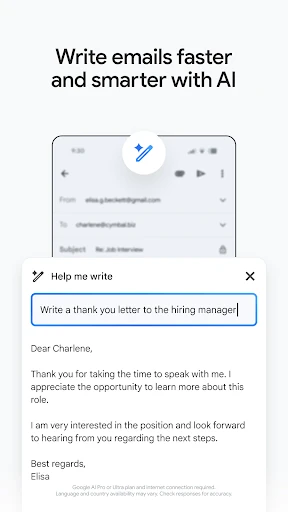
Search is central to Gmail, making it practical for finding older conversations, attachments and specific details without manually browsing every folder. Labels, folders, archive controls and swipe actions help with routine inbox maintenance. Smart replies can suggest short responses, while “Help me write” can assist with drafting messages when you need a starting point.
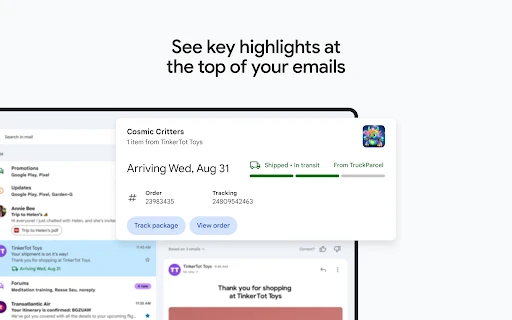
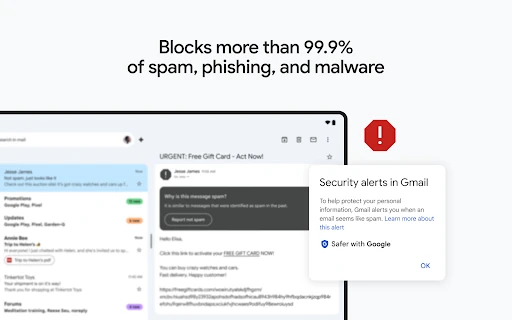
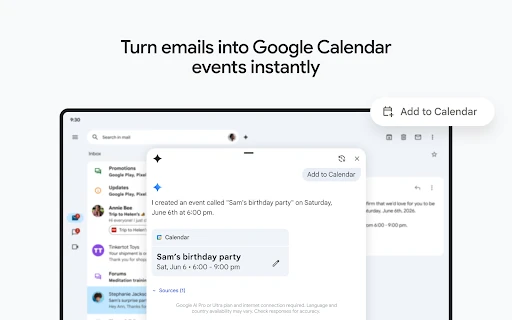
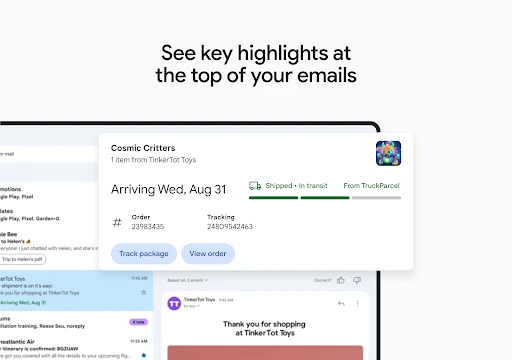
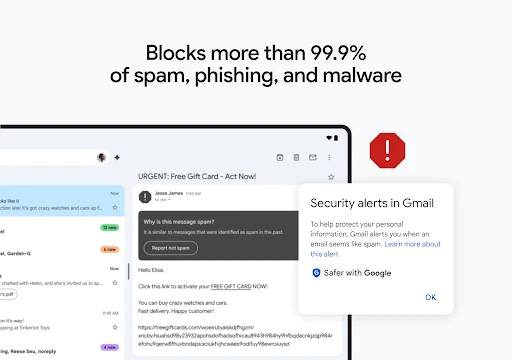
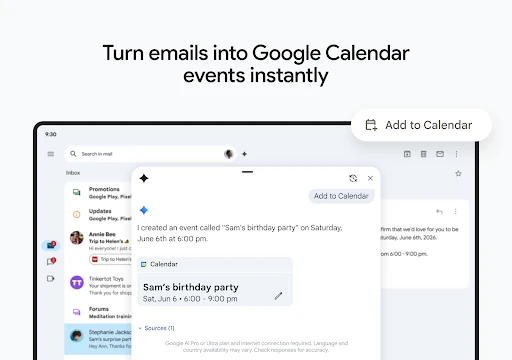
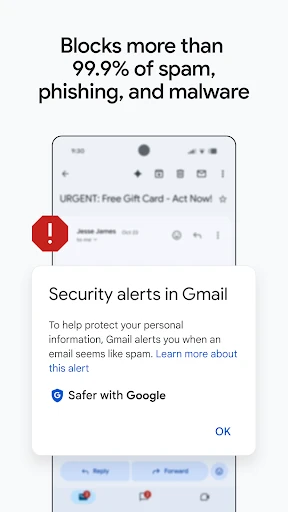
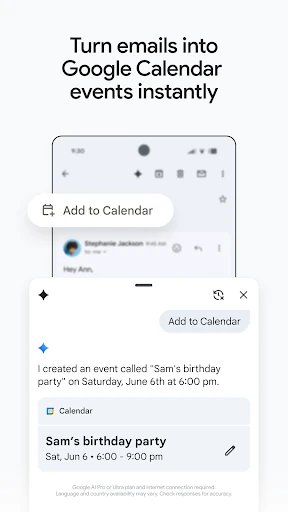
Gmail filters spam and helps identify phishing and malicious messages before they reach the main inbox. It can also surface useful information from certain emails, such as travel plans or delivery updates. Google Meet, Chat and Calendar connections make it possible to move from correspondence to a call, conversation or scheduled event within the wider Google workspace.
With a 4.11 rating from more than 14.1 million reviews and 10 billion-plus installs, Gmail is one of the most widely used communication apps on Android. That reach makes it a sensible choice for users who need consistent account syncing and broad compatibility across Google’s services. It is developed by Google LLC.