
Click to download now, finish the installation quickly, and directly unlock the all-round experience
Screenshots

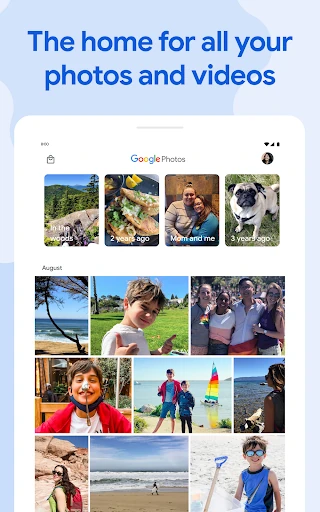
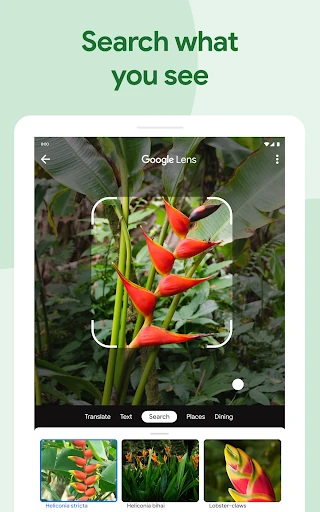
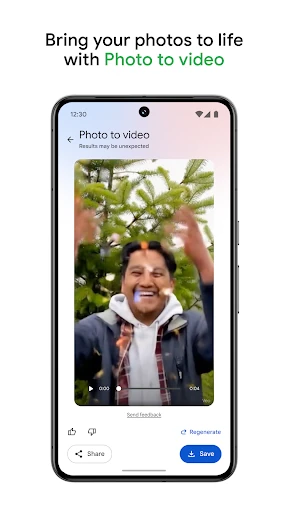
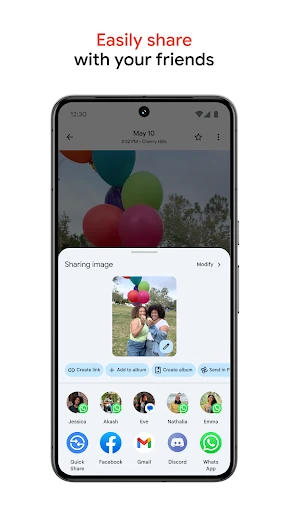
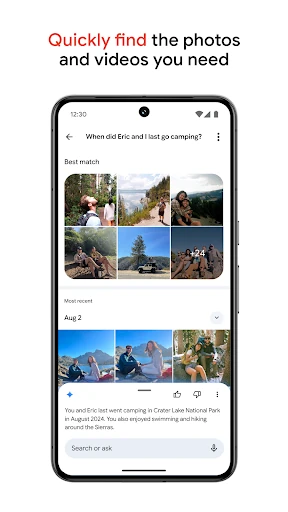
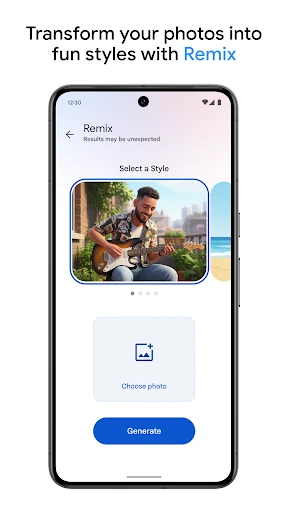
Click to download now, finish the installation quickly, and directly unlock the all-round experience
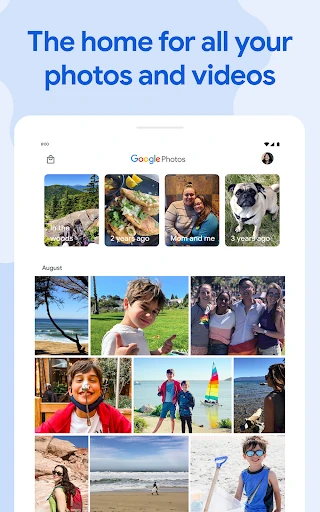
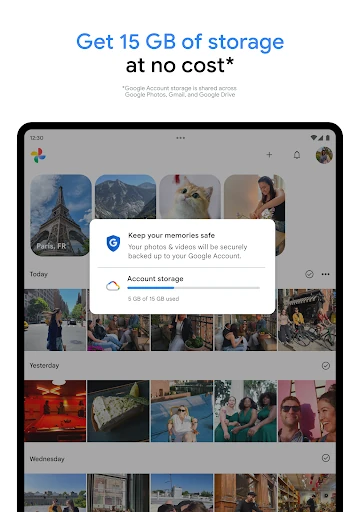
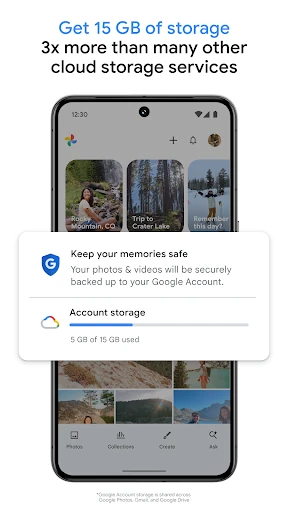
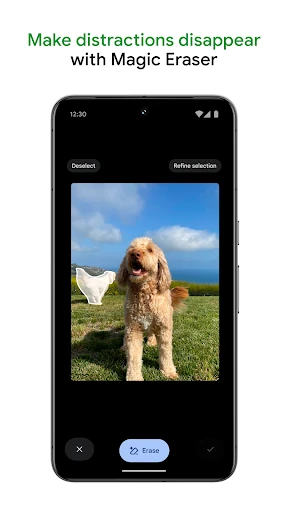
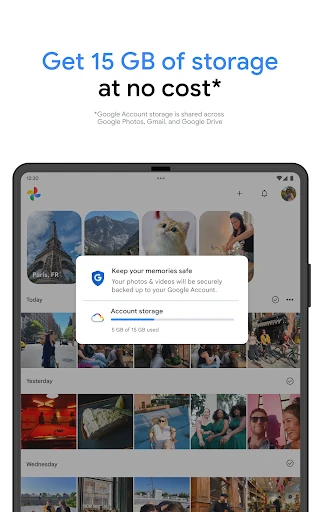
Google Photos is a photo and video library for people who want their media backed up, organised, and available across devices. It combines a familiar gallery with cloud storage, automatic grouping, sharing tools, and editing features that work without requiring advanced photography skills. The app is developed by Google LLC and is suited to both casual users managing a phone library and photographers who need a faster way to find older images.
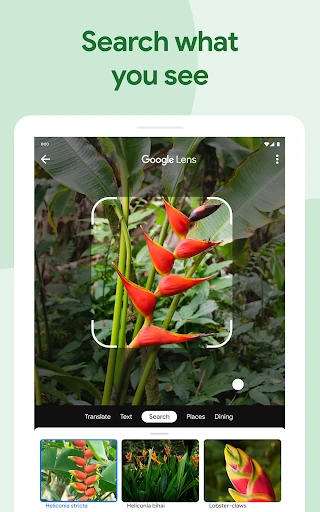
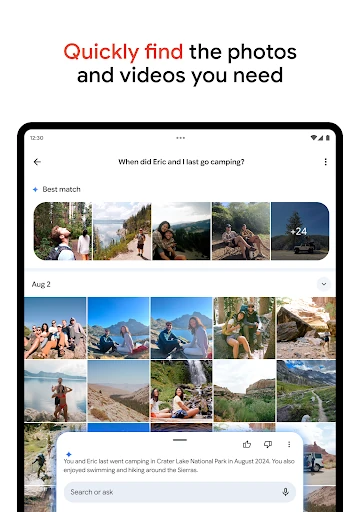
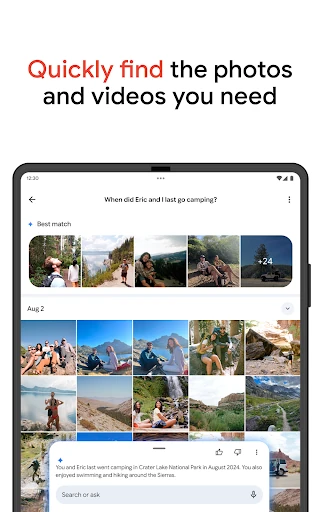
Google Photos can search a library by visual details, people, places, objects, and text found inside images. That makes it useful when you remember what a picture contains but not when it was taken or which folder it is in. Similar images can also be grouped together, helping reduce repeated shots and making a large timeline easier to browse.
The main strength is the way storage, discovery, and editing are handled in one place. You can move from a broad library view to a specific search, then make a quick edit or share the result without switching apps. Its scale is reflected in the numbers: Google Photos holds a 4.4 rating from more than 53 million reviews and has recorded 10 billion-plus installs. That reach makes it a practical choice for users who want their photo collection tied into Google's wider services.