Click to download now, finish the installation quickly, and directly unlock the all-round experience
Screenshots

Click to download now, finish the installation quickly, and directly unlock the all-round experience
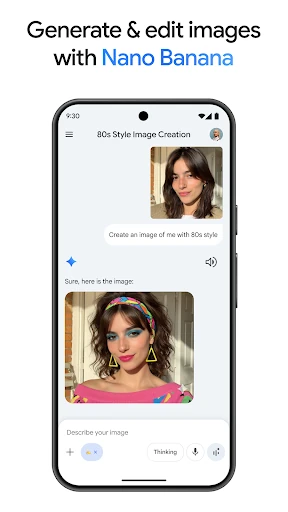
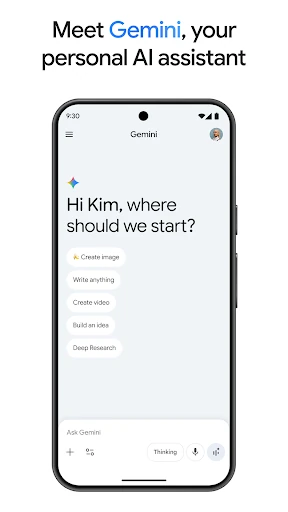
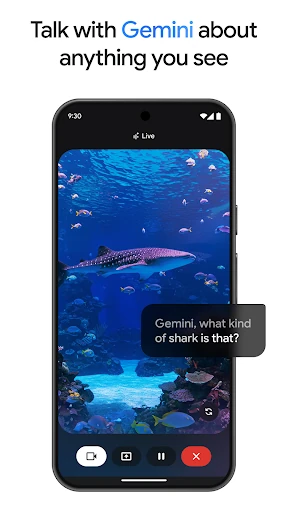
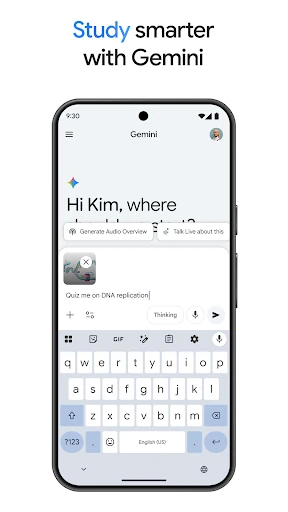
Google Gemini is a general-purpose AI assistant for Android users who want help with questions, writing, planning, research, and creative tasks. You can type or speak a request, share an image for context, and use a conversational exchange to refine the result instead of starting over with each prompt.
The app suits students, office workers, researchers, and anyone who regularly turns rough ideas into clearer output. It can help draft messages, explain difficult subjects, summarise supplied material, generate study aids, and organise plans. It is also useful for brainstorming when you need several options rather than a single answer.
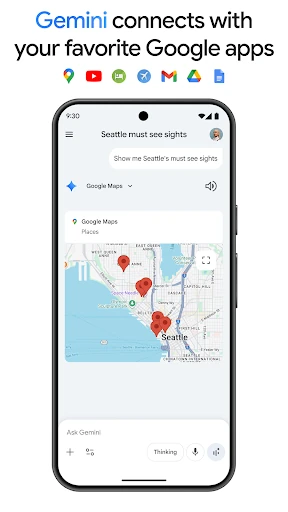
Gemini can be particularly relevant for people already using Google services. Depending on the task and available access, its connected features can draw on services such as Gmail, Maps, and YouTube to support email summaries, travel planning, or video-related questions. That makes it more practical for mixed personal and work tasks than a text-only chatbot.
Developed by Google LLC, Gemini is listed in Productivity and has reached 1,000,000,000+ installs. Its rating is about 4.60 from 27.9 million reviews, giving a broad signal of how it performs across a very large Android audience. The range of tools may take time to explore, but the core experience remains straightforward: ask for help, provide context, and improve the result through conversation.